

The form
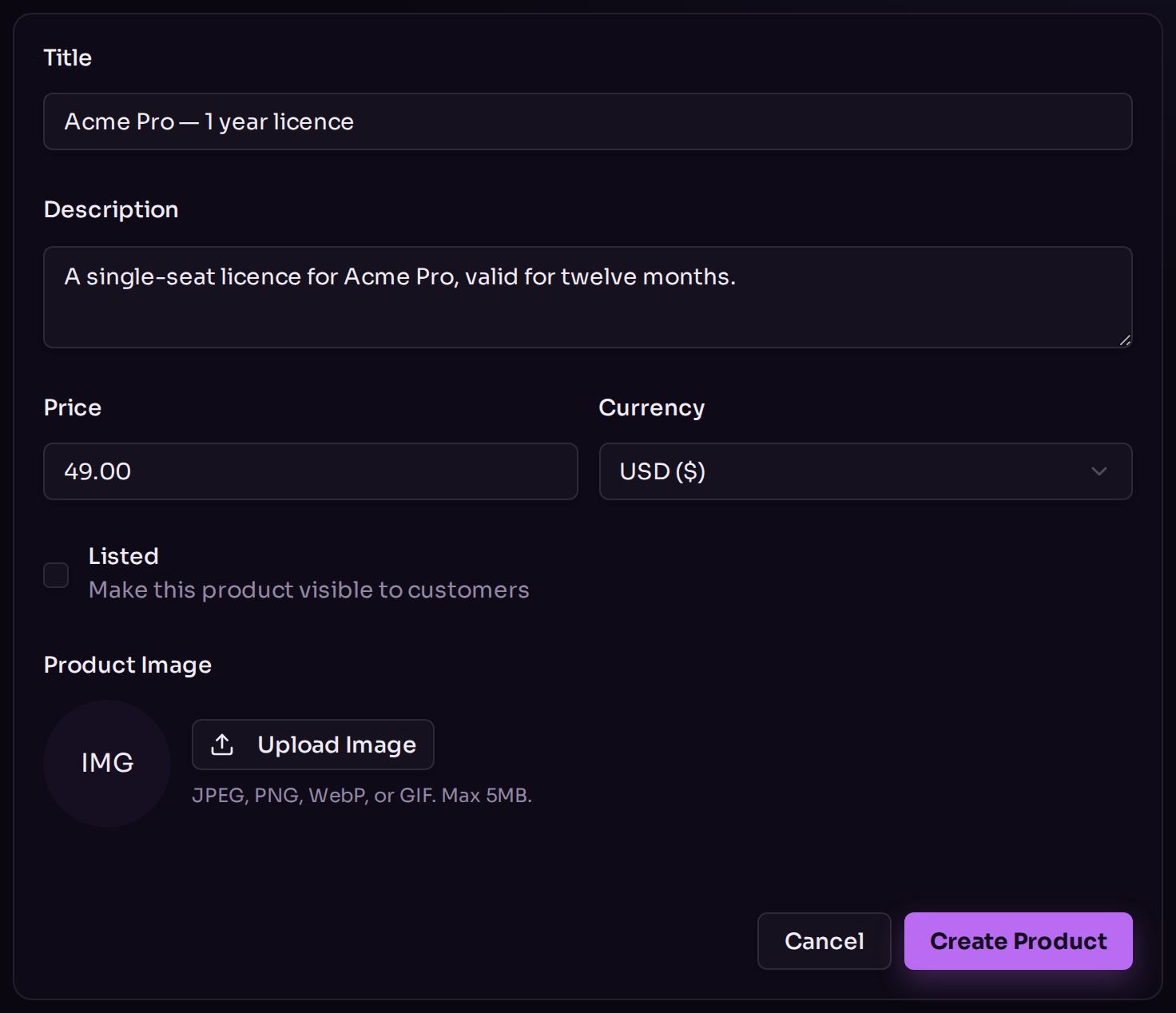
Creating a product.
What “Listed” controls
Listed does two things at once:- It decides whether the product appears on your storefront.
- It decides whether the product can be bought at all. An unlisted product is refused at checkout, even by someone holding a direct link.
Adding digital delivery
Saving the product creates it. To set up automatic delivery — licence keys, a file, a redirect — open the product again and use the Delivery card, which only appears once the product exists. That card is also where per-order quantity limits live. See Digital delivery.What products cannot do
Stated plainly, so you are not left looking for a setting that is not there:- One kind of product. A one-off purchase. There are no subscriptions and no recurring billing.
- No variants. No sizes, colours or editions — make each one its own product.
- No physical goods. There is no shipping address, no postage and no stock for anything you post.
- No discount codes and no sales. The price is the price.
- No search or filter on the products page. It is a plain grid of everything.
What to read next
Digital delivery
Hand over keys, files or a link automatically.
Storefront
Put your products on a page customers can browse.